
Paid Your Challan but It Still Shows Pending? Here's What to Do

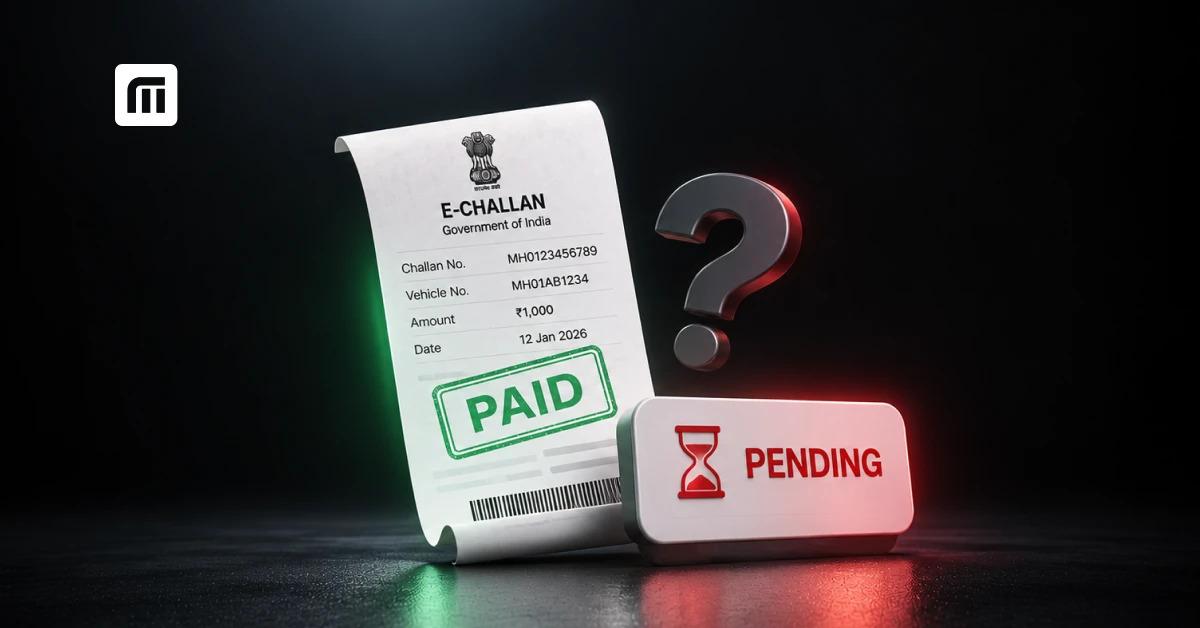
Hopefully by now you've paid your traffic challan, received a debit alert for it, and just assumed that your problem is solved. Then you check the website and it shows your payment status as 'Pending'. Don't panic or pay again just yet – you're definitely not alone and it could easily be resolved.
Why it happens
When you pay online, there's actually two separate events happening here – the deduction of your money by the bank and the registration of your payment in the challan system. Sometimes the bank may have processed your payment, but for some reason, the confirmation couldn't reach the traffic department. It could be a variety of reasons like communication errors, wrong entry of challan or vehicle number, delay on the virtual court system or simply the traffic portal and payment gateway weren't properly synchronised. This could even happen if the challan is in the Virtual Court already. The two sites don't necessarily speak with one another and so a delay can occur.
Step 1: Don't pay again yet
Most important here is that you shouldn't make a double payment. Ideally, you want to wait 24-48 hours to see if the system catches up. If after this time, there's no change, here's what you can do:
Step 2: Verify the payment
Locate the payment receipt you got on your bank or payment portal. Check Challan on the official Parivahan or your state traffic challan website like MyMotor. For Virtual Court payments, visit their portal and verify. Alternatively check by vehicle number on a tool like the MyMotor Vehicle Search.
Step 3: Gather your proof
Keep these ready before contacting anyone:
Challan number and vehicle registration number
Transaction ID or UTR
Bank SMS or statement showing the debit
Payment screenshot and receipt
Step 4: Contact the right party
If you paid the money but your bank or payment app still lists the payment as failed, duplicate or in process, contact them for assistance. If they say your payment was successful, but the challan system still hasn't updated, file a complaint on the relevant portal with details of your bank statement showing payment made. Take down the complaint reference number.
Step 5: Claim a refund if you paid twice
Keep payment receipts of both transactions, record the IDs, and follow up with the institution that has collected the money. They have different time frames for addressing these issues so be persistent.
Why you shouldn't ignore it
If the portal continues to see the challan as not paid, there could be issues later down the line, particularly with RTO services or ownership transfers.
Watch out for scams
Some or all of this can also happen due to fraudulent links, so don't pay from a link in SMS or WhatsApp. Don't install strange apps or share your UPI PIN. Always use the original official websites when making payments.
Keep it simple going forward
And lastly always save a payment receipt, don't just take screenshots of your challan. Use a trusted app, such as MyMotor, to keep a check on your e-Challan status.
About MyMotor
MyMotor is an all-in-one solution for Indian motorists. As well as being able to search for and monitor challans, you can also review RC details, and obtain information about vehicle and owner details. Additional features include the ability to handle insurance and FASTag, alongside an EV charging point finder and car and bike EMI calculator. Rather than having information stored in a range of places (for example, SMS, images and online), MyMotor brings all documentation together. Download the MyMotor 'challan check app 'to monitor your vehicle’s challan information.
0 comments
No comments have been posted yet.