ចង់ប្តូរការងារ ឬ កំពុងស្វែងរកការងារ ផ្វើសារឥឡូវនេះ
1. Executive Summary: What is a Virtual Court Challan?
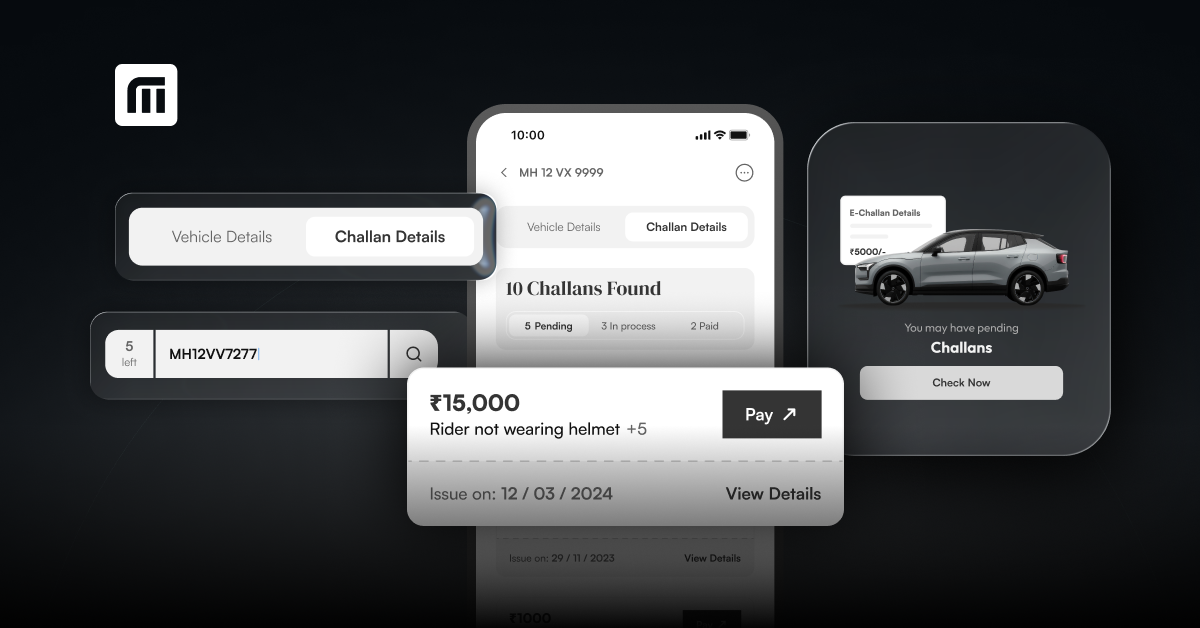
A Virtual Court Traffic Challan is an automated legal notice generated when an e-Challan remains unpaid past its initial due date (typically 60 to 90 days) or is directly referred by traffic authorities to the Virtual Courts portal (vcourts.gov.in) under Section 208 of the Motor Vehicles Act. Managed digitally by the Supreme Court e-Committee, Virtual Courts eliminate the need for a physical court appearance by allowing vehicle owners to plead guilty and pay fines online or formally contest the charge before a magistrate. Motorists can conduct a quick challan check using their vehicle registration number to confirm whether an outstanding fine has transitioned into the court system.
| Parameter | Parivahan e-Challan | Virtual Court Notice | National Lok Adalat |
| Portal / Platform | echallan.parivahan.gov.in | vcourts.gov.in | District Legal Services Authority (DLSA) / Hybrid |
| Jurisdiction | State Traffic Police / RTO | Judicial First Class Magistrate (Digital) | Alternative Dispute Resolution (ADR) Bench |
| Stage of Violation | Fresh violation (0–60 days) | Transferred to Court (Unpaid/Escalated) | Specific Pre-scheduled Court Sitting |
| Fine Reduction | Standard Statutory Fine | Fixed Fine set by Magistrate | Negotiable / Up to 50% Concession |
| Contest Mechanism | Online Grievance Submission | Option to "Request to Contest" to Physical Court | Mutual Compromise / Consent Settlement |
Access Official Portal: Navigate to vcourts.gov.in and select the respective State and Department (e.g., Delhi Traffic Department, Maharashtra Virtual Court).
Search Violations: Input your Mobile Number, Vehicle Registration Number, Challan Number, or CNR Number. Motorists managing multiple vehicles can also perform a online challan check via apps/webpage to gather all pending notice numbers before logging into the judicial portal.
Identity Verification: Enter the OTP sent to your registered mobile number. (If your mobile number has changed, authenticate using your vehicle’s Engine and Chassis numbers).
Review Offence & Plea Selection: View the offence details, evidence photos, and prescribed fine.
Select "Plead Guilty" to proceed with online payment.
Select "Request to Contest" if you dispute the violation.
Execute Payment: Pay the settlement fine via UPI, Net Banking, or Debit/Credit Card through the ePay gateway.
Download Payment Receipt: Save the PDF acknowledgment receipt. System reconciliation across RTO and Parivahan databases occurs within 24–48 hours.
If you receive a duplicate challan, an incorrect vehicle tag due to camera errors, or a notice for a vehicle you have already sold:
Step 1: Select "Request to Contest" on the Virtual Court portal.
Step 2: Authenticate via OTP and state your reason for contesting.
Step 3: The virtual court will generate an acknowledgment slip transferring the case to the jurisdictional regular Magistrate Court.
Step 4: Rule 167 (CMVR) Compliance: Per updated motor vehicle rules, contesting rejected disputes beyond administrative review may require a pre-deposit before physical trial. Automotive management tools like MyMotor enable vehicle owners to track active case statuses and avoid missing magistrate hearing dates.
National Lok Adalats provide an alternative legal mechanism to settle pending traffic challans at discounted fines. Before scheduling an appointment, vehicle owners should check challan to confirm whether their pending fines are classified as compoundable offences eligible for Lok Adalat disposal.
How to Book a Lok Adalat Token Online:
Visit your state traffic police or district legal services portal prior to the Lok Adalat date.
Search for pending, compoundable challans linked to your vehicle number.
Select your preferred Court Complex and Time Slot.
Download and print the Lok Adalat Token / Appointment Slip.
Mandatory Document Checklist for Lok Adalat Hearing:
Printed Lok Adalat Appointment Token
Printout of Pending Challan Notice
Original Vehicle Registration Certificate (RC) + Copy
Valid Driving License (DL)
Valid Pollution Under Control (PUC) Certificate & Active Insurance Policy
Government Photo ID (Aadhaar / Voter ID)
6. Frequently Asked Questions (JSON-LD Ready)
Q1: What happens if I ignore a Virtual Court notice?
Ignoring a Virtual Court notice results in the case being transferred to a regular physical Magistrate Court. The court may issue non-bailable summons, block your vehicle's RC services on Parivahan (preventing fitness renewal or ownership transfer), and flag your driving license.
Q2: Can non-compoundable traffic offences be settled in Lok Adalat?
No. Only compoundable traffic violations (such as over-speeding, red light jumping, signal violation, and seatbelt/helmet offences) can be settled in Lok Adalat. Serious offences like drunk driving, street racing, or accident cases involving major injury cannot be settled at Lok Adalat.
Q3: How long does it take for a paid Virtual Court challan to update on Parivahan?
While the payment receipt is issued immediately on the vcourts portal, database synchronization between the eCourts server, state traffic police, and the central Parivahan database typically takes 24 to 48 hours.
អត្តបទបន្ថែមទៀត
Why Is EV Adoption Growing In India
ដោយ : marketing@mymotor.in 1 month ago
How to Check RC Details Online by Vehicle Number ?
ដោយ : marketing@mymotor.in 1 month ago
Traffic Rules in India: How Technology Is Helping Drivers Stay Compliant
ដោយ : ketki@zoop.energy 1 month ago
How to Check Vehicle Challan Online Using MyMotor
ដោយ : marketing@mymotor.in 1 month ago
MyMotor: A Smarter Way to Manage Your Vehicle Online
ដោយ : marketing@mymotor.in 1 month ago
ទំនាក់ទំនងល្អ និង មាន ប្រសិទ្ធិភាពក្នុងការងារមានភាពសំខាន់ណាស់
ដោយ : ភក្តី Talk 2 months ago
អត្ថបទថ្មីៗទាក់ទងបទពិសោធន៍ផ្សេងៗ
ដោយ : ketki@zoop.energy 17 days ago
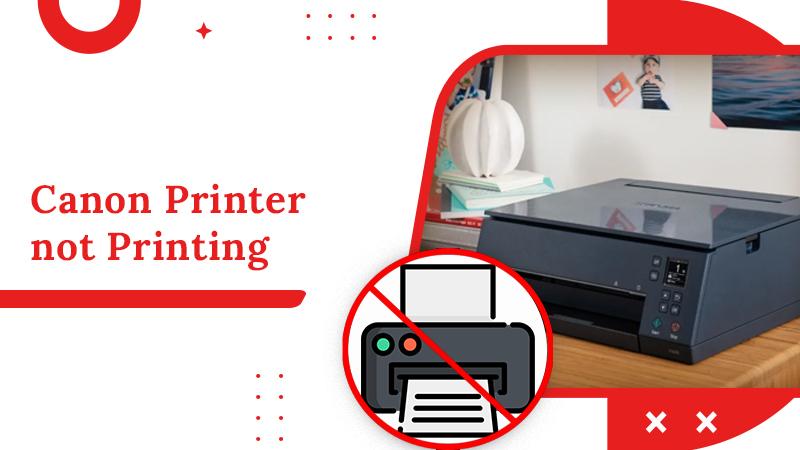
ម៉ាស៊ីនបោះពុម្ព Print អត់ចេញក្រដាស - Can’t print: Troubleshooting steps
ដោយ : Pich Yorn 5 months ago
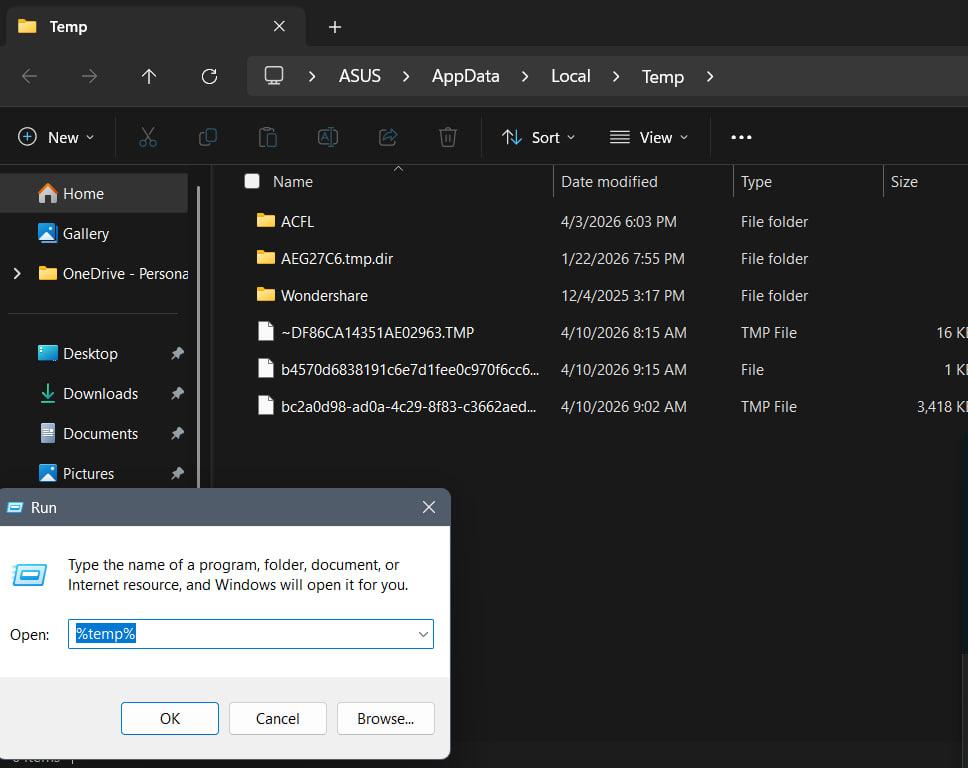
របៀបសំអាត file មិនសំខាន់ៗនៅក្នុង computer - Clean computer temp
ដោយ : Pich Yorn 6 months ago