2020-05-06 14:01
ចង់ប្តូរការងារ ឬ កំពុងស្វែងរកការងារ ផ្វើសារឥឡូវនេះ
Answer 1

គណះអភិបាលរាជធានី និង តែងតាំងដោយព្រះរាជក្រឹត្យ និង គណះអភិបាលរង តែងតាំងដោយអនុក្រឹត្យ ដែលចំពោះគណះអភិបាល ក្រុង ស្រុក ខណ្ឌ តែងតាំងដោយព្រះរាជក្រឹត្យ និងគណះអភិបាលរង តែងតាំងដោយប្រកាស ។
សំនួរផ្សេងទៀត
អត្ថបទណែនាំ
RC Details: What to Check Before Buying or Managing a Vehicle
ដោយ : marketing@mymotor.in 1 day ago
Your vehicle’s registration certificate RC holds vital information about your vehicle, its registration, and related ...
RC Details: What Your Vehicle Registration Certificate Tells You
ដោយ : ketki@zoop.energy 1 day ago
A vehicle’s Registration Certificate (RC) details are more than just a paper that a vehicle owner needs to maintain f...
TS Traffic Rules Every Driver Should Know
ដោយ : ketki@zoop.energy 2 days ago
Adhering to traffic rules in Telangana helps road users avoid penalties and stay safe on the road. Following the basi...
The 5-Minute Used-Car Check Most Buyers Forget
When you buy a used car, you typically inspect the paintwork, tyres, engine performance, service book and take the ve...
Why Are Indian Carmakers Investing So Heavily in EVs, Hybrids and New Powertrains?
ដោយ : marketing@mymotor.in 2 days ago
India’s automotive industry is undergoing rapid change, with more digital ownership of vehicles than ever before. Fro...
Mobile App Penetration Testing
ដោយ : fringe963@gmail.com 3 days ago
A mobile app ships to the attacker's device. They control the operating system, the network path and the runtime, whi...
Indian Automotive Industry Is Expanding: What New Technology Means for Vehicle Owners
ដោយ : marketing@mymotor.in 4 days ago
India’s automotive industry is outgrowing the traditional petrol and diesel model. Manufacturers are diversifying int...
TS Challan Check Online: How to Check Telangana Traffic Fines
ដោយ : ketki@zoop.energy 7 days ago
Traffic enforcement in Telangana is increasingly more digital with automated and other systems detecting violations s...
អត្តបទបន្ថែមទៀត
សំណួរ-ចម្លើយ វិស័យមុខងារសាធារណៈ (ភាគ៣)
ដោយ : lawyers 6 years ago
សំណួរ
សំណួរ-ចម្លើយ វិស័យមុខងារសាធារណៈ (ភាគ២)
សំណួរ-ចម្លើយ វិស័យមុខងារសាធារណៈ (ភាគ១)
សំណួរ-ចម្លើយ អនុក្រឹត្យស្តីពី ការអនុវត្តកម្មវិធីឧបត្ថម្ភសាច់ប្រាក់ជូនស្រ្តីមានផ្ទៃពោះ និងកុមារអាយុក្រោម២ឆ្នាំ (ភាគ២)
សំណួរ
សំណួរ-ចម្លើយ អនុក្រឹត្យស្តីពី ការអនុវត្តកម្មវិធីឧបត្ថម្ភសាច់ប្រាក់ជូនស្រ្តីមានផ្ទៃពោះ និងកុមារអាយុក្រោម២ឆ្នាំ (ភាគ១)
សំណួរ-ចម្លើយ ពាណិជ្ជកម្ម និងកម្មសិទ្ធបញ្ញា (ភាគ៥)
និយមន័យ សុទិដ្ធិនិយមនិងទុទិដ្ធិនិយម
ដោយ : ហ៊ុល ជុងហ៊ាត 6 years ago
សុទិដ្ធិនិយមគឺជាការចូលចិត្តឬការយល់ឃើញថាអ្វីៗសុទ្ធតែល្អនិងត្រឹមត្រូវ។ ទុទិដ្ធិនិយមគឺជាការមិនពេញចិត្តឬការយល់ឃើញថារាល់អ្វីៗនៅលើលោកសុទ្ធតែអាក្រក់និងមិនត្រឹមត្រូវ។
និយមន័យ រចនាបថនិងគូបដិបក្ខ
រចនាបថគឺជាទម្រង់នៃការរៀបចំតុបតែងទៅលើអ្វីមួួយ។រចនាបថមានប្លែកៗទៅតាមព្រឹត្តិការ សម័យកាល ពេលវេលានៃការកសាងស្នាដៃ។ គូបដិបក្ខគូរប្រឆាំងឬគូរទំនាស់។
និយមន័យ និតិរដ្ធនិងនិតិបុគ្គល
និតិរដ្ធគឺជារដ្ធអាស្រ័យច្បាប់ រដ្ធដែលមានប្រព័ន្ធច្បាប់ មានការអនុវត្តច្បាប់និងការគោរពច្បាប់ដោយពេញលេញ។ និតិបុគ្គលក្រុមមនុស្សឬមូលនិធិដែលមានបុគ្គលភាពគតិយុត្តហើយេជាម្ចាស់នៃសិទ្ធិនិងកាតព្វកិច្ច។
និយមន័យ ពហុប្សុនិងលទ្ធិសង្គមនិយម
ពហុបក្សគណបក្សច្រើន។ លទ្ធិសង្គមនិយមរបៀបរបបដឹកនាំសង្គមបដិសេធវណ្ណះជិះជាន់កេងប្រវ័ពា្ចមនុស្សនិងមនុស្ស។ការដឹកនាំតាមផែនការមានបក្សតែមួយដឹកនាំប្រទេស។
អត្ថបទថ្មីៗទាក់ទងបទពិសោធន៍ផ្សេងៗ
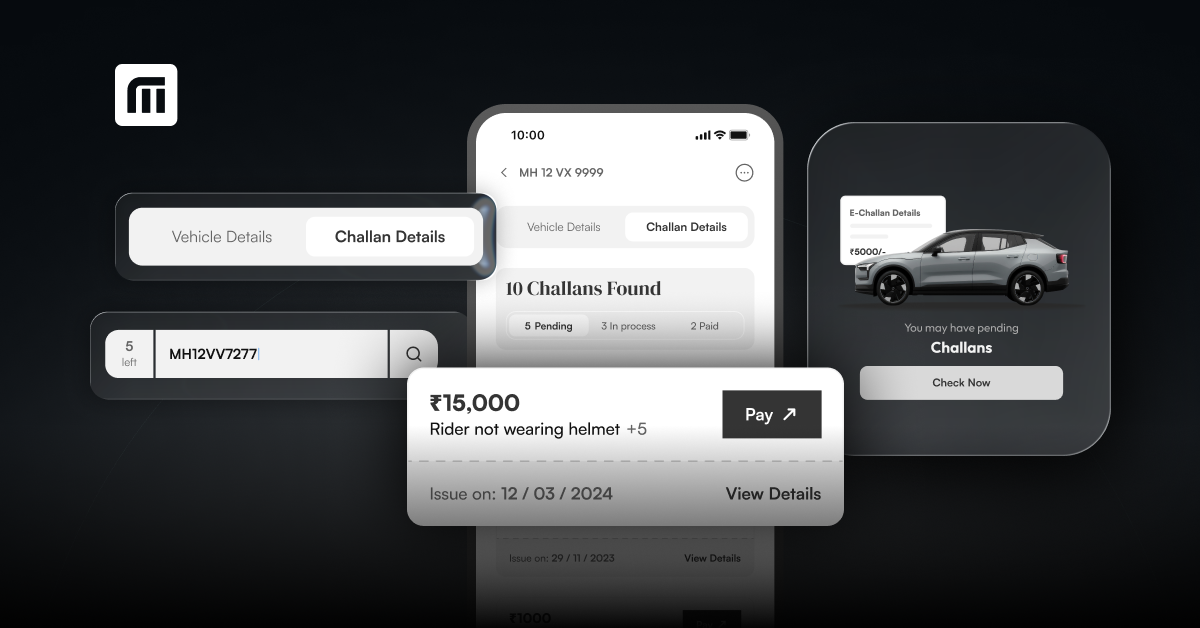
I recently received an SMS saying I have a pending traffic challan. How can I tell if it is genuine or fake?
ដោយ : ketki@zoop.energy 4 days ago
I recently got a message saying my car had an unpaid traffic challan and telling me to make an online payment. As fake challan messages can seem very realistic I would not click the link and pay online.
អនុមោទនាថ្ងៃសីល
ដោយ : សេក្ខមាណព 3 months ago
ដោយ : Google Account 4 months ago
ម៉ាស៊ីនបោះពុម្ព Print អត់ចេញក្រដាស - Can’t print: Troubleshooting steps
ដោយ : Pich Yorn 5 months ago
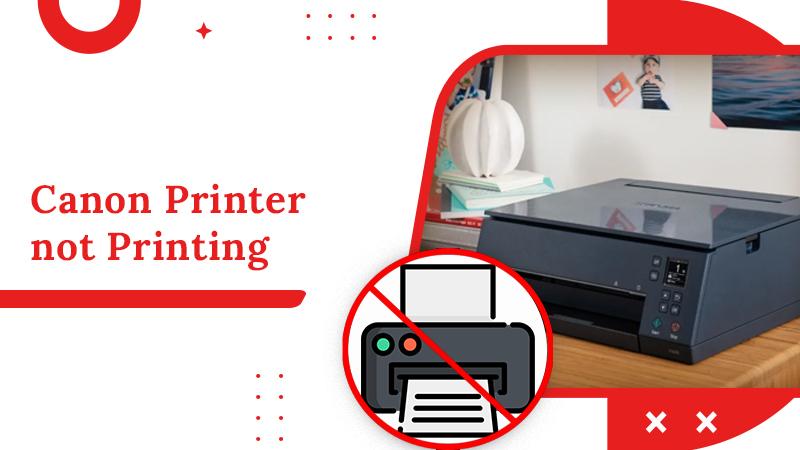
1. ពិនិត្យការតភ្ជាប់អ៊ីនធឺណិត ហើយ សាក Ping ទៅ IP Address របស់ម៉ាស៊ីន Print 2. ពិនិត្យការតភ្ជាប់បណ្តាញ(internet របស់ printer )នៅលើម៉ាស៊ីនបោះពុម្ព 3. ពិនិត្យថាប្រាកដមានដាក់ក្រដាសនៅក្នុងម៉ាស៊ីនហើយ (បើក្រដាសអស់ឬតិច ត្រូវបញ្ចូលក្រដាសបន្ថែម) 4. ពិនិត្យកម្រិតទឹកថ្នាំ/ទឹកម្សៅ (បើតិច នឹងមានការជូនដំណឹងលើអេក្រ
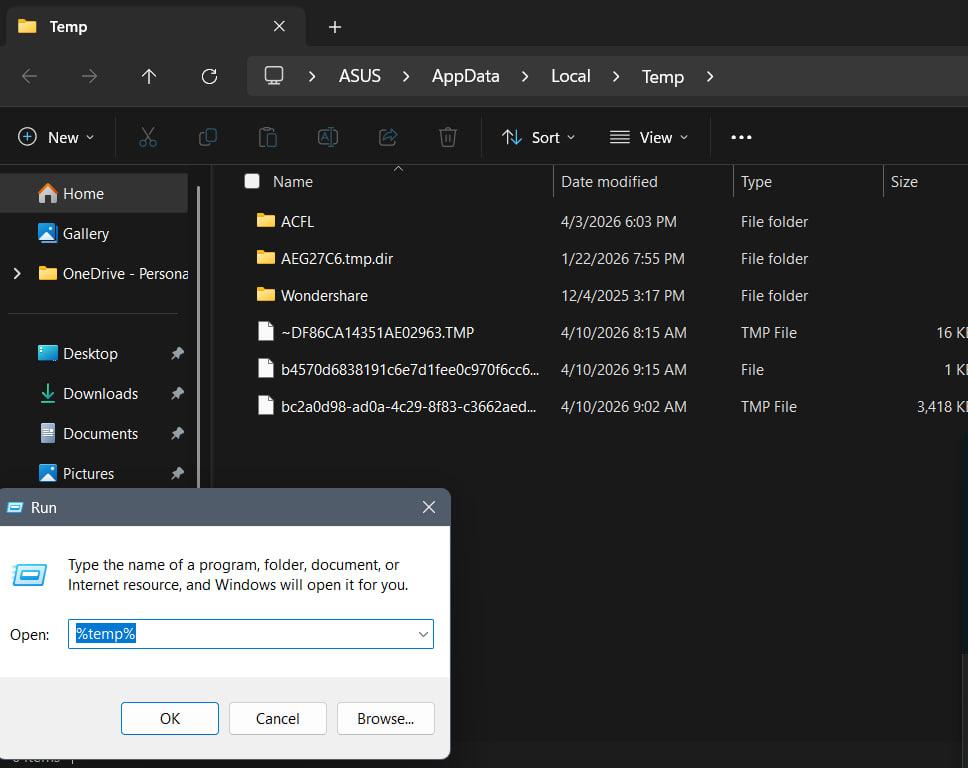
របៀបសំអាត file មិនសំខាន់ៗនៅក្នុង computer - Clean computer temp
step 1: click Key Window + R => type %temp% => click Enter => Ctrl+A (setect all) => Delete => click ✅Do this for all current items => click continue or skip step 2: next type : temp Prefetch Note step 2 ធ្វើដូច step1 ដែរ
KhSearch Telegram Channel
Tips to earn more points:
Cancel Login
Tips for posting article:
Tips for posting experience:
There are many questions waiting your answers:
Login Register
Register Login
Please login to share your idea